Guides
Instagram DMs for business: from message requests to useful conversations
Organize your Instagram inbox, write helpful replies, set up comment-to-DM automation and measure real enquiries without confusing sends with sales.

“Can you send the guide?” is already a clear brief
Send the guide. Someone asking for a checklist shouldn't have to read your company history or book a call first. The first useful action should match the request.
Our recommendation: automate a repeated, well-defined job, such as resource delivery. Keep an unusual complaint with someone who can decide what to do.
Instagram's native inbox and API-connected tools have different controls. Platform details were reviewed on October 12, 2026; examples and operating routines below are Sayw's recommendations.
Check the inbox people actually reach
Instagram can route unfamiliar senders into Requests. Hidden Words can filter unwanted requests further. Check both when investigating a missing enquiry; don't disable protections just to increase volume.
Review the inbox on a schedule. Separate questions waiting for you from conversations waiting for the customer. Name one owner before teammates start typing. A note such as “needs delivery-area confirmation” beats an unexplained unread marker.
Ask which folder the customer checked before assuming delivery failed. Never request their password or unrelated private messages.
- Review new requests and relevant hidden requests.
- Assign unanswered conversations to one person.
- Record the next action rather than copying the entire chat.
- Keep declined or opted-out contacts out of sales follow-ups.
Use the smallest tool that solves the request
A fixed resource request usually needs a reviewed message and a working link. AI is more useful for varied incoming questions whose answers come from approved facts.
Instagram offers native message scheduling and translation. That doesn't mean every connected service supports them. Test your intended workflow.
| Approach | Good fit | You still need |
|---|---|---|
| Manual reply | Exceptions, disputes, detailed advice | An owner and a realistic response schedule |
| Reusable reply text | Repeated questions with a little context | A person to check the wording before sending |
| Keyword automation | Delivering a requested checklist or link | A precise trigger and a complete delivery test |
| AI-assisted replies | Varied questions about approved facts | Knowledge maintenance, boundaries and human handoff |
Answer before asking the next question
Answer in the first sentence when you can. Then ask for information needed to move forward. A photographer may need the location and session type, but a phone number doesn't help someone seeking preparation advice.
“Thanks! Check our website” makes the customer repeat the search. Link to the relevant resource. If a price is unconfirmed, explain who will confirm it instead of inventing a figure.
Match the conversation's language. Read the reply aloud; cut any introduction that sounds like a sales brochure.
- Customer
Do you have a checklist for preparing for a portrait session?
- Business
Yes. Here is the portrait checklist: [reviewed resource link]. It covers clothing, location and what to bring.
- Customer
Could I book an outdoor session next Friday?
- Business
Which city are you planning for? A team member will confirm availability before we promise a time.
Give AI an answer source and a stopping point
Document your offer, approved prices, delivery conditions and booking process. Remove expired promotions. Keep private customer conversations out of general business knowledge.
In Sayw AI Manager, review knowledge sources and handoff settings. Test a routine question and one with a missing answer. The assistant should ask for guidance or hand over rather than invent a refund, discount or appointment.
Identify automation clearly. Assign handoffs to a person and check that queue regularly. AI doesn't gain authority to make unapproved commitments.
Find the failed step before sending again
Record the trigger time and the step that failed. Repeated tests create noise. When delivery is uncertain, inspect event history and the Instagram thread before retrying.
| Observed problem | Check first | Safe next step |
|---|---|---|
| No first message | Saved trigger, enabled state, connection and permissions | Correct the setup, then use a fresh consenting test |
| Message apparently missing | Recipient's Requests and relevant filters | Confirm the folder without weakening safety settings |
| Welcome arrives; resource doesn't | Required reply or button and later flow steps | Test the exact recipient action |
| Resource won't open | Saved URL and file-sharing permissions | Open the destination signed out on a phone |
| Two replies arrive | Other active tools and overlapping triggers | Pause the overlap and choose one owner |
| Wrong AI answer | Approved source, outdated facts, handoff rules | Correct the knowledge and review a new test |
Count the result after the send
Count unique people in one cohort and observation period. A sent message, resource open, enquiry and booking are different events.
In the fictional example below, 100 people request a resource. Eighty receive it, 40 open it, 12 enquire and four book. That's 50% opens among recipients, 30% enquiries among openers and 4% bookings among requesters. These aren't Sayw benchmarks.
If resource opens aren't available, mark them unknown or measure the destination with appropriate privacy controls. A button tap doesn't prove a file opened. Verify bookings and payments in their source systems.
Worked example: 100 requests are not 100 leads
Fictional cohort for learning the calculation; all later stages are subsets of earlier ones.
people
- Requested the resource100
- Received the resource80
- Opened the resource40
- Relevant enquiries12
- Confirmed bookings4
Illustrative numbers only. Not measured customer results, expected conversion rates or guaranteed outcomes.
Set up a routine you can actually maintain
Start with one resource and review early conversations yourself. Check unanswered questions, failures and handoffs weekly before adding another flow. Keep offers dated so an old Reel doesn't advertise a deleted resource.
Collect information needed for the next step and explain transfers to another channel. Ask separately for permission before subscribing someone to a newsletter.
Can I automatically message everyone who follows me?
Don't treat a follow as messaging permission. Build around supported, voluntary requests and the connected API's current rules.
Does a faster reply guarantee a sale?
No. Judge the answer's usefulness and measure qualified enquiries or confirmed outcomes separately.
Should I automate a quiet inbox?
Manual replies may be enough. Add automation when a repeated task is clear and you can still review failures and handoffs.

A comment is the start of a specific request
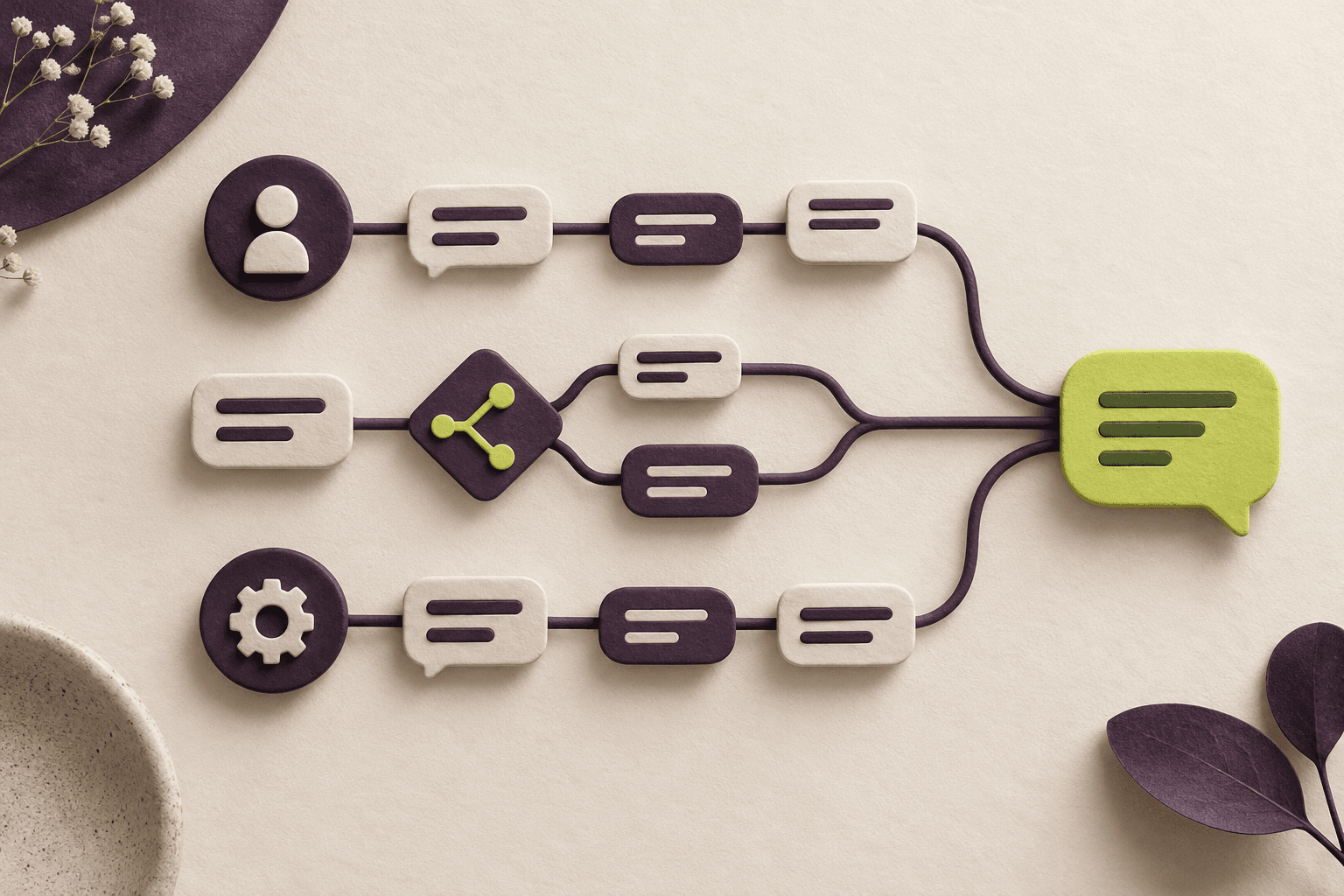
Make the offer explicit: “Comment GUIDE for the portrait checklist.” Disclose conditions beforehand. In Sayw, configure the keyword and channel, review the welcome action, then choose text or link delivery. Give the trigger one active owner.
Meta permits one private reply to an eligible post or Reel comment within seven days; Live replies are limited to the broadcast. Continued API messaging requires the recipient to respond and follows the 24-hour window. A comment alone isn't permission for a promotional sequence.
Ask a consenting person on another account to make a fresh request. Check the welcome action and final resource. Open the link signed out of your file host; the editor preview doesn't prove document access.