Tools
Create photo and video variations without confusing hashes with originality
Upload your material, choose the number of copies and review the results. Understand what a changed file hash does—and doesn't—prove.
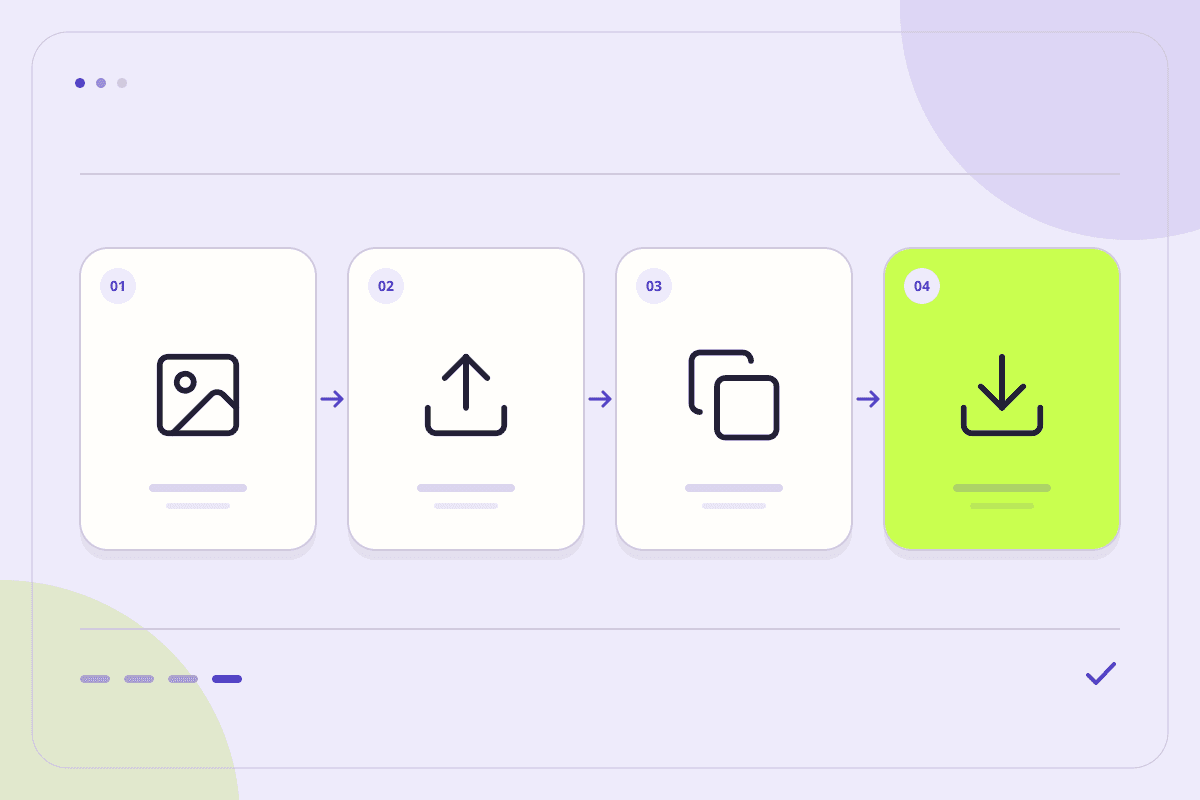
Upload, choose copies, review
Sayw Content copies creates separate variations of uploaded photos and videos. Add the materials you own or have permission to edit, choose the number of copies per file and start the job. Review the current file, size and duration limits before uploading.
Keep the page open while files transfer. Once the job is processing, use its status and Recent jobs to follow progress. The original source is not overwritten. Downloads are outputs you review and publish yourself; creating a job does not post anything to Instagram.
From source to saved copy
Upload and processing finish before a copy can be saved to your device.
Source
Select your original photo or video.
Upload
Keep the page open while the file transfers.
Copies
Wait for each requested output to finish.
Save
Use mobile sharing or a desktop download, then check the saved file.
Keep the original and save completed outputs before their displayed expiry.
Save a copy on your phone or computer
On a phone that supports file sharing, tap Open on a completed copy. The browser fetches and prepares that file locally. If preparation needs more time than the original tap allows, the button changes to Save. Tap Save to open the system share sheet. Some browsers can open it directly after preparation.
On iPhone, choose Save Video or Save Image when offered, then check Photos, including Recently Saved or Recently Added. Save to Files puts the file in Files. The share sheet closing alone does not confirm that a file reached Photos.
On desktop, use Download and open the file from your browser’s downloads. Mobile browsers without suitable file sharing also use the download flow. Save before the job’s displayed expiry.
Mobile saving, one copy at a time
Preparation fetches the completed output to this device.
Open
Start preparing the selected copy.
Preparing file…
Keep this page open while the browser fetches it.
Save
Tap again if this label appears.
System destination
Choose the save action and verify the file in that app.
This diagram describes the mobile share flow; available save actions depend on the browser and device.
| Action | Where to look |
|---|---|
| Save Video / Save Image | Photos or your device’s photo library, when offered. |
| Save to Files | The folder selected in Files. |
| Download | Your browser’s download list and chosen download folder. |
A different hash identifies a different file
A SHA-256 digest describes the bytes of a file. A changed digest establishes a byte-level difference; it does not measure whether a viewer sees a new idea or whether a social platform will recommend it. Keep that distinction when evaluating an output.
In March 2026, Meta clarified that minor edits to another creator's content can still count as unoriginal on Facebook. That announcement is Facebook-specific; it is not a new Instagram API rule.
Watch the result, including the quiet parts
Check framing around faces, small text and logos. For video, listen through the beginning and end, and inspect any moment where timing matters. Small adjustments can make a subtitle harder to read or an audio transition more noticeable.
Compare candidates against the intended use. Keep a version because its crop or presentation works for your post, not because its digest looks different. Add a meaningful explanation, demonstration or fresh story when the audience needs new content.
| Check | Look for |
|---|---|
| Frame | Important details remain visible |
| Text | Captions and labels are readable |
| Audio | Speech and transitions still sound right |
| File | Download opens and plays completely |
Handle interrupted uploads and partial results
When choosing from Photos, wait until the source is available on the phone and Sayw finishes preparing the selected files. Keep the page open through upload. Once the job is queued or processing, it can continue on the server.
If upload stops, use Retry upload on that same job. If the browser can no longer read the selection, use Choose the same files again and select the matching originals. This continues the unfinished job rather than creating another one. If the active-job limit is reached, open Recent jobs and resume or cancel an unfinished upload you no longer need, or wait for processing to finish.
If processing produces some completed outputs and some failures, save the completed copies and inspect the failed outputs. Keep upload recovery separate from creating another processing job. An expired result must be recreated from a source you still have.
Does a unique hash mean Instagram sees original content?
No. A file digest is not a platform originality assessment.
Can I use someone else's clip?
Only with the rights or permission required for your intended use. Processing a file does not grant those rights.